2. Creating Your Account
This article walks you through signing up for Postflows and logging in for the first time.
Getting access
You can sign up directly at https://postflows.ecomflow.com/auth/sign-up.
Creating your account
Go to the Postflows sign-up page
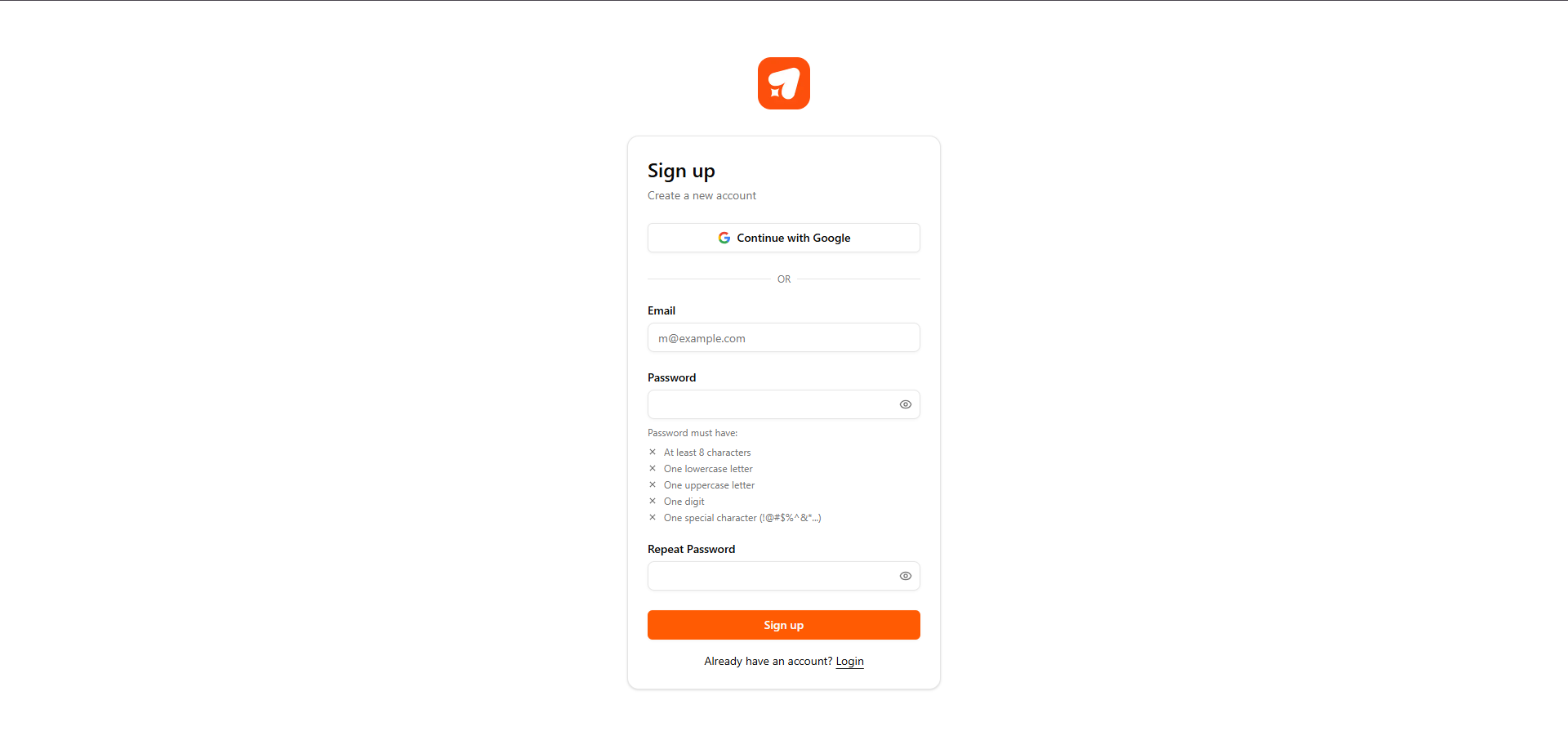
Enter your email address
Create a secure password for your account
Click Sign up
You'll be logged in automatically and taken to the onboarding wizard to connect your first Shopify store.
Logging in
If you already have an account, go to the login page.
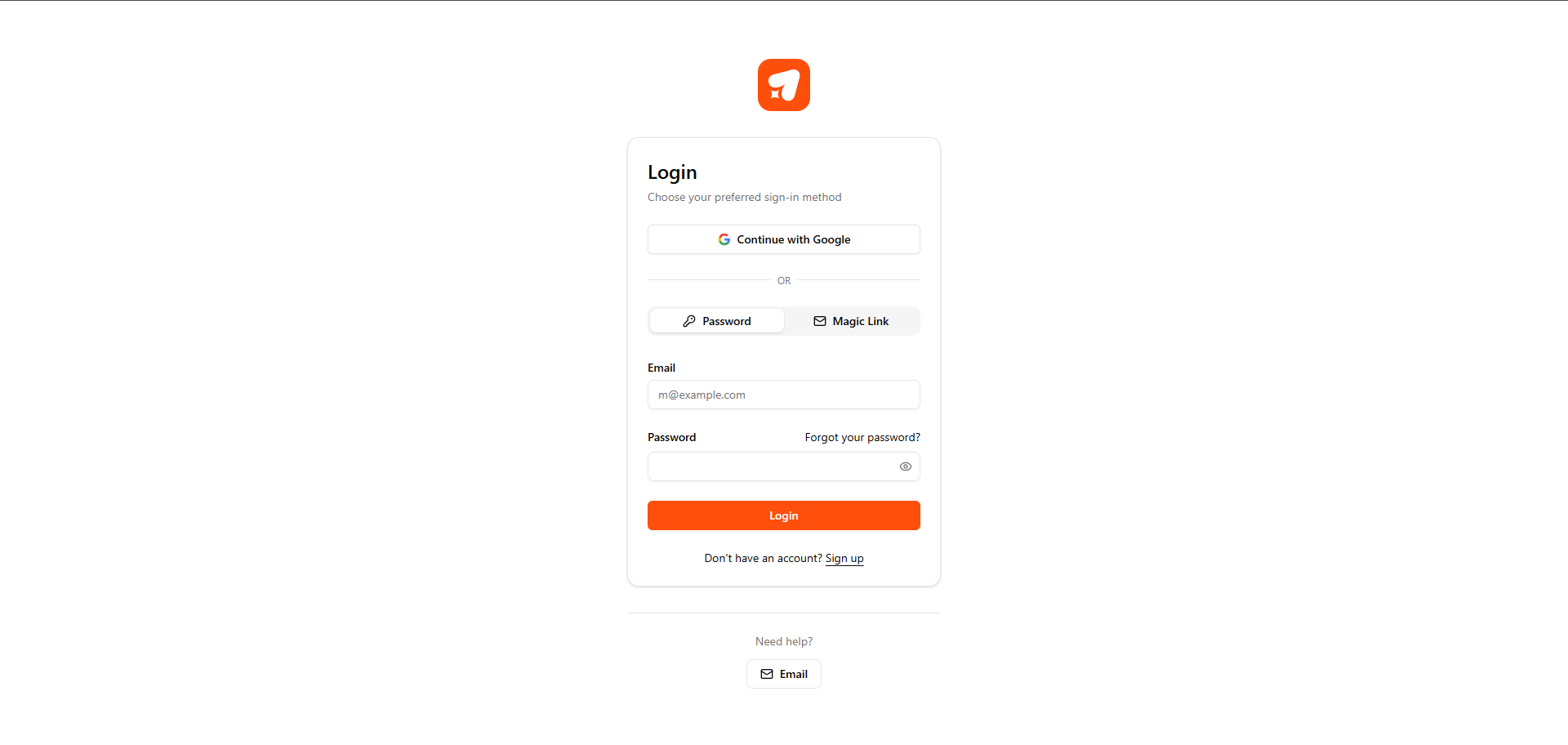
Enter your email and password, then click Log in.
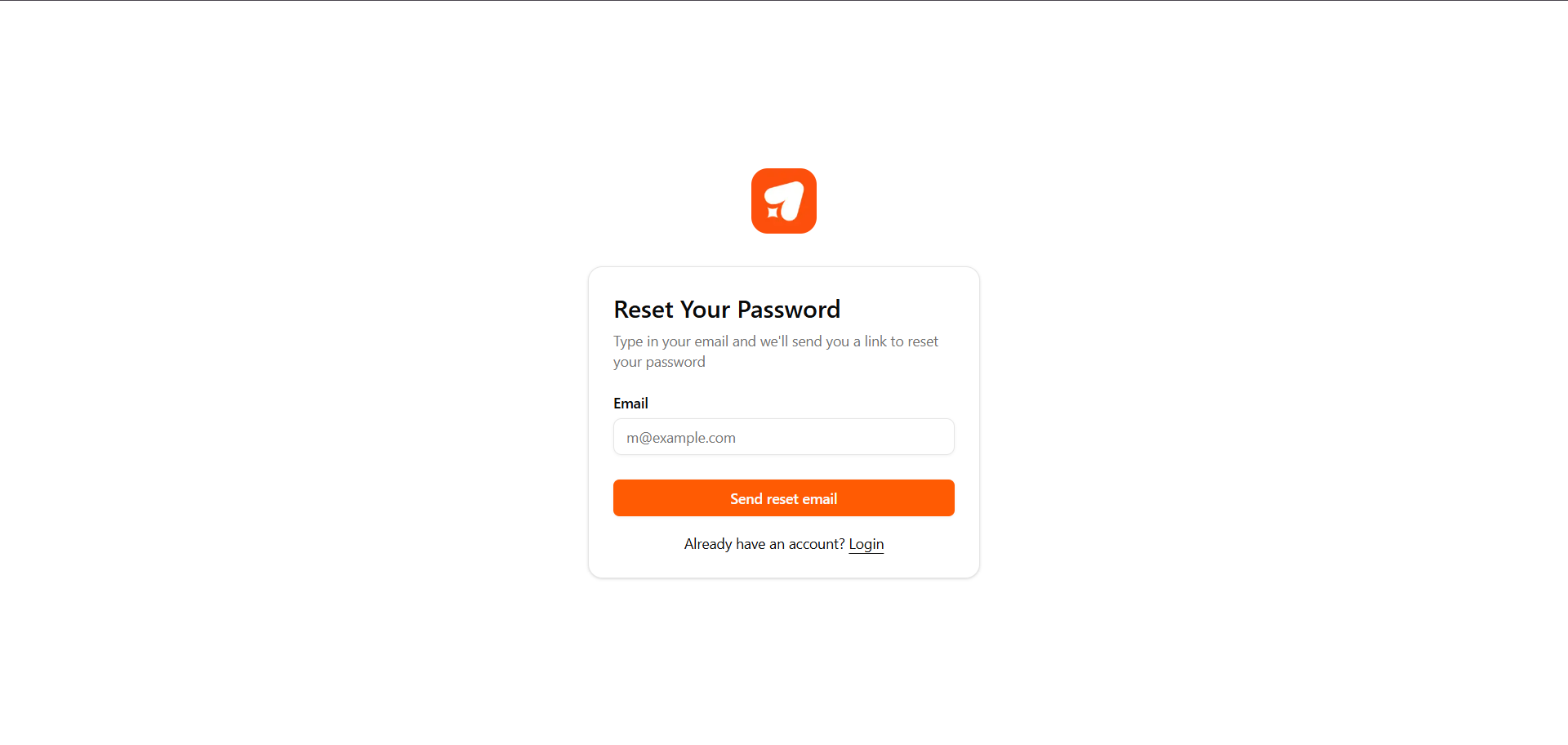
Forgot your password?
On the login page, click Forgot password
Enter your email address
Click Send reset email
Check your inbox for a password reset link
Click the link and create a new password
What happens after you log in?
If your account is new, and you haven't connected a Shopify store yet, you'll be taken directly to the onboarding wizard. The wizard guides you through:
Connecting your Shopify store
Selecting a billing plan
Connecting your email platform (Klaviyo or Omnisend)
Enabling your first flows
If you've already completed onboarding, you'll land on your dashboard.
Next steps
Was this helpful?
Still need help? Share an idea