1. How to Connect Your Shopify Store
Connecting your Shopify store to Postflows is done through Shopify's standard app authorization flow. It takes about a minute and only needs to be done once per store.
Before you start
You need a Postflows account. See Creating your account.
You need admin access to the Shopify store you want to connect.
Connecting your store
The connection happens during the onboarding wizard after you first log in.
Click Connect your Shopify store in the onboarding wizard
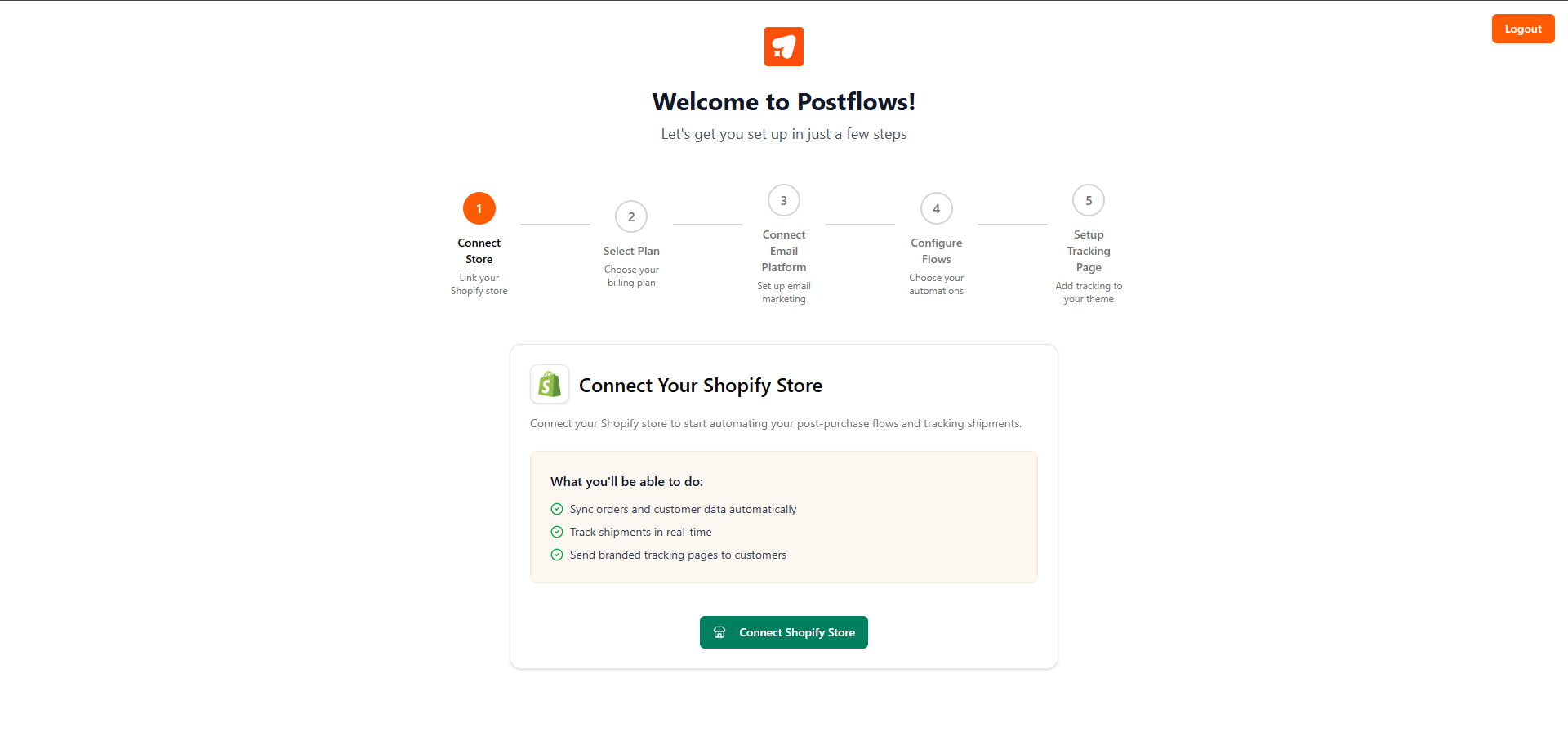
You'll be redirected to Shopify to authorize the app
Review the permissions Postflows is requesting and click Install app
Shopify redirects you back to Postflows automatically
Your store is now connected. Postflows registers the necessary webhooks in the background - you don't need to configure anything manually.
What happens after the connection
Once your store is connected, Postflows begins listening for new orders and fulfillment updates from Shopify in real time.
Troubleshooting
The Shopify authorization page didn't load Make sure you're logged into the correct Shopify account in your browser before starting.
I authorized in Shopify but my store isn't showing in Postflows Refresh the page. If the store still doesn't appear, contact support.
Related articles
Was this helpful?
Still need help? Share an idea