3. Tracking Page Variables Reference
Variables let you inject dynamic tracking and order data into Text Block and Custom HTML blocks on your tracking page. Use them to add personalized content anywhere on the page.
Syntax
Wrap the variable name in double curly braces:
{{variable_name}}
Variables are replaced at runtime with live data when a customer views their tracking result. If a value is unavailable (e.g. no estimated delivery date), the variable renders as empty.
Finding variables in the builder
The Variables tab in the left sidebar lists all available variables with descriptions. Use the search to filter by name or keyword. Click the Copy button next to any variable to copy the {{variable_name}} syntax to your clipboard, ready to paste into a text block.
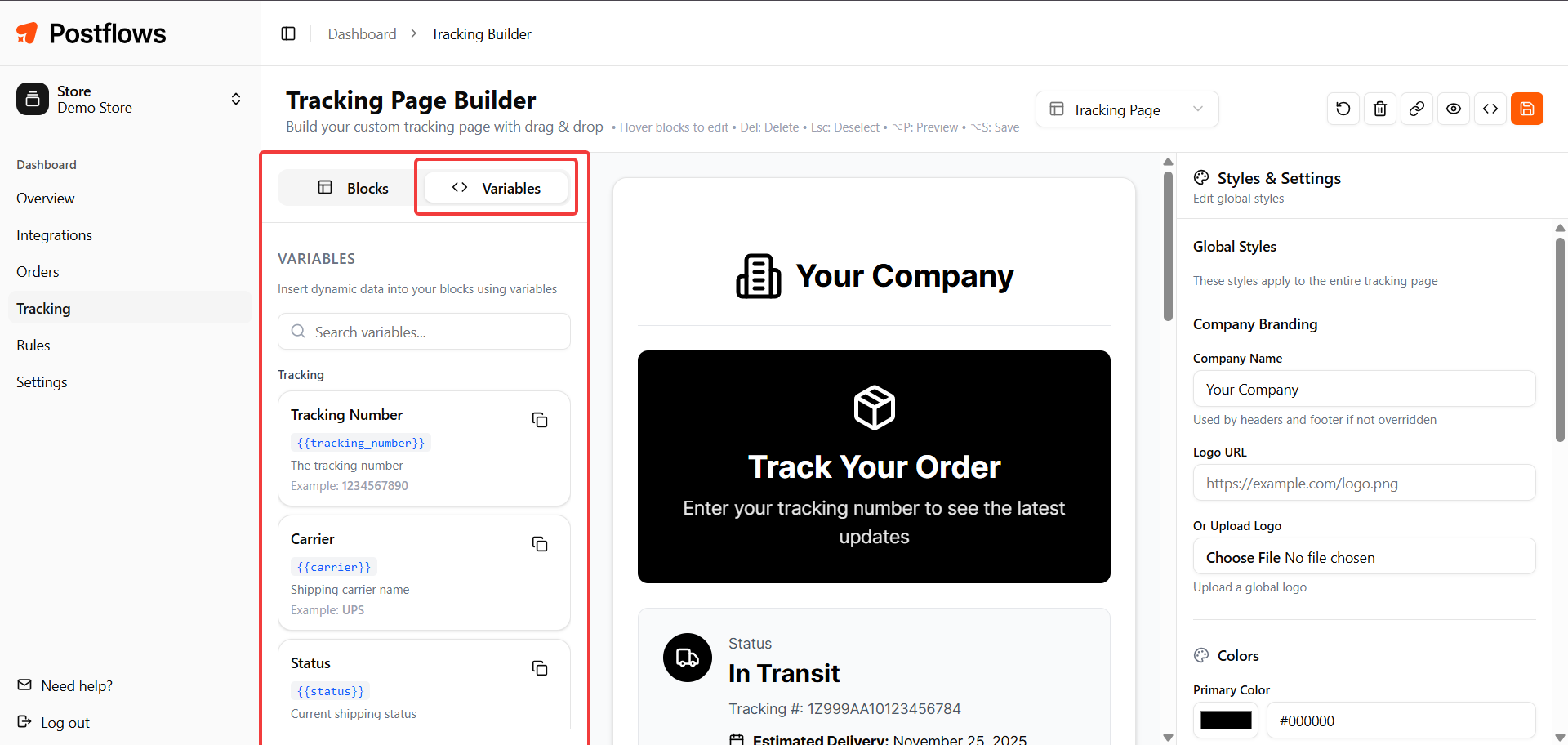
Tracking information
Location
Order information
Shipment details
Example uses
Custom text block showing carrier and estimated delivery:
Your package is being shipped via {{carrier}}.
Estimated delivery: {{estimated_delivery}}
Custom HTML with tracking number:
<p>Tracking number: <strong>{{tracking_number}}</strong></p>
Conditional-style note (plain text):
Shipping from {{origin}} to {{destination}}.
Notes
Variables only render with data after a customer searches for their tracking info
In the builder preview, variables show their placeholder text (the variable key itself)
If a variable has no data available for that shipment, it renders blank - plan your copy accordingly for optional fields like
{{estimated_delivery}}