1. Order Filters
Order filters decide which orders Postflows processes. If an order is blocked by an order filter, none of its shipping events will be forwarded to your email platform - regardless of which events are enabled. By default, with no filters configured, Postflows processes all orders.
When to use order filters
Order filters are useful when you want to:
Send notifications only to customers in specific countries
Exclude internal test orders or sample products
Limit notifications to specific product lines
Separate Ecomflow-fulfilled orders from standard orders
Filter types
Postflows has three order filter types.
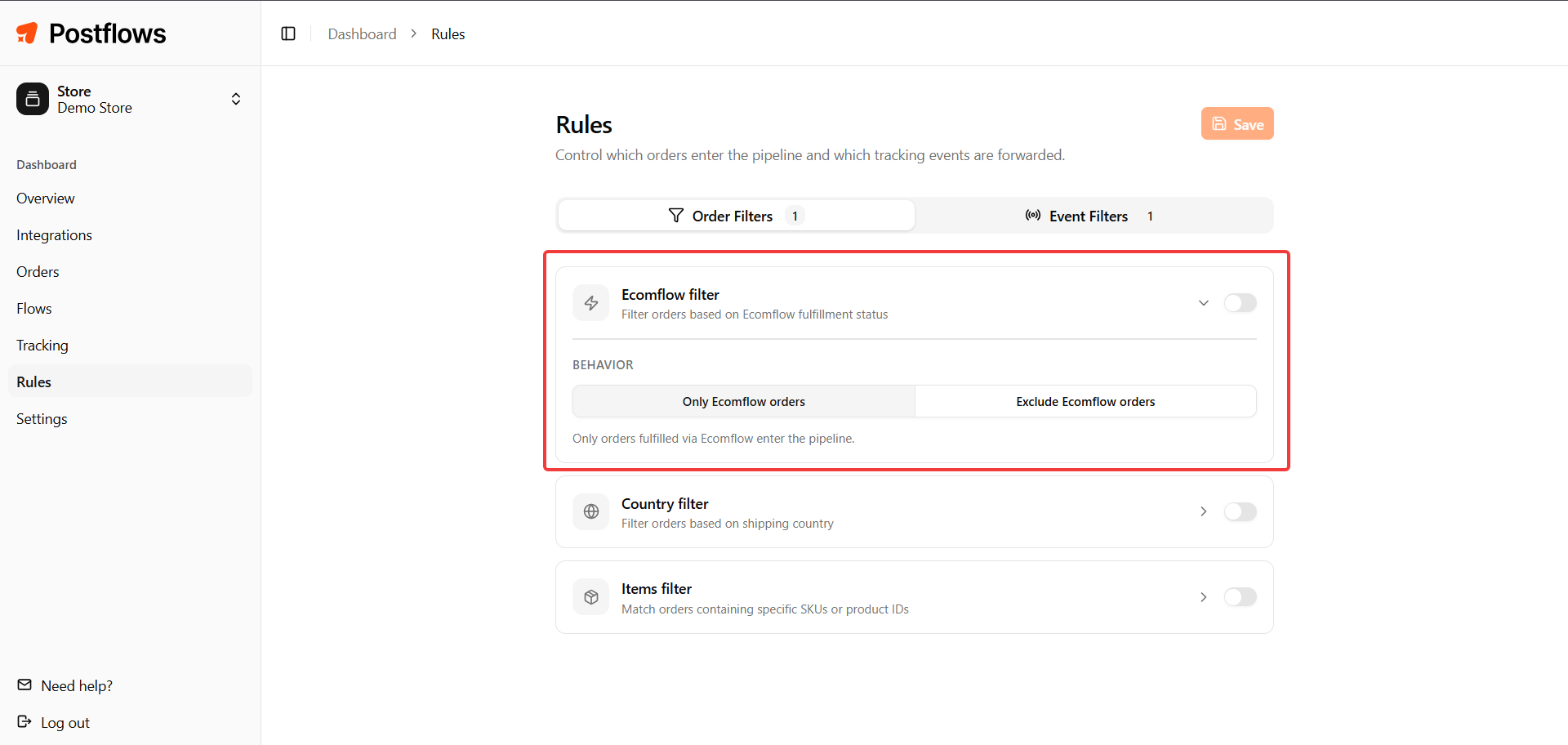
Ecomflow Filter
The Ecomflow filter lets you include or exclude orders that are fulfilled by Ecomflow (a third-party logistics provider).
Note: This setting is only relevant for active Ecomflow clients.
How this filter works:
When set to
true(enabled): only Ecomflow-fulfilled orders sync to PostflowsWhen set to
falseor no filter is active: all orders sync to Postflows regardless of fulfillment source
Billing:
Ecomflow-fulfilled orders are free
Non-Ecomflow-fulfilled orders are billed at $0.035 per shipment
Country Filter
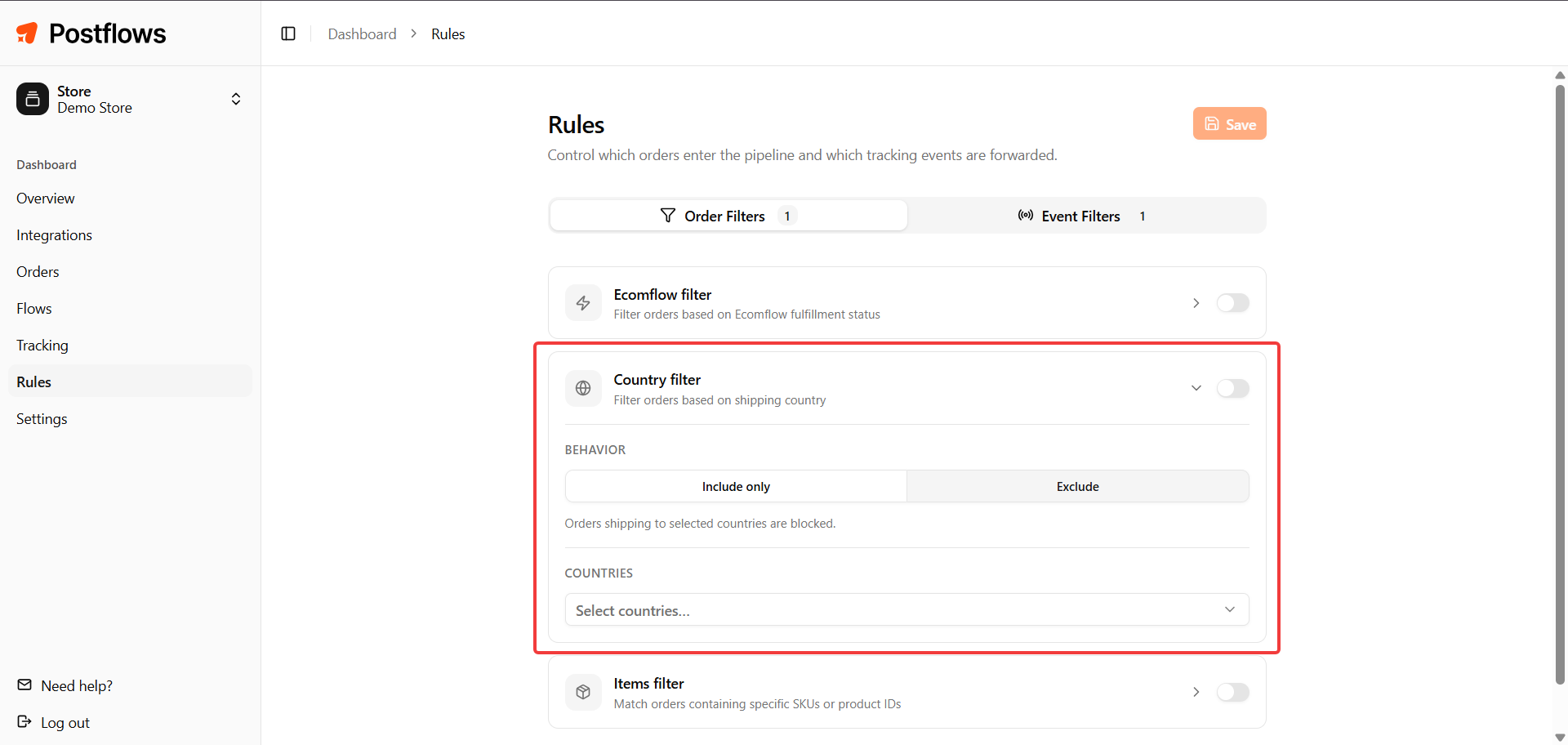
The Country filter lets you include or exclude orders based on the shipping destination country.
Use ISO 3166-1 alpha-2 country codes (e.g. US, GB, FR, DE, AU).
Example uses:
Only send notifications to customers in your primary markets
Exclude orders to countries where a local carrier handles communications directly
Items Filter
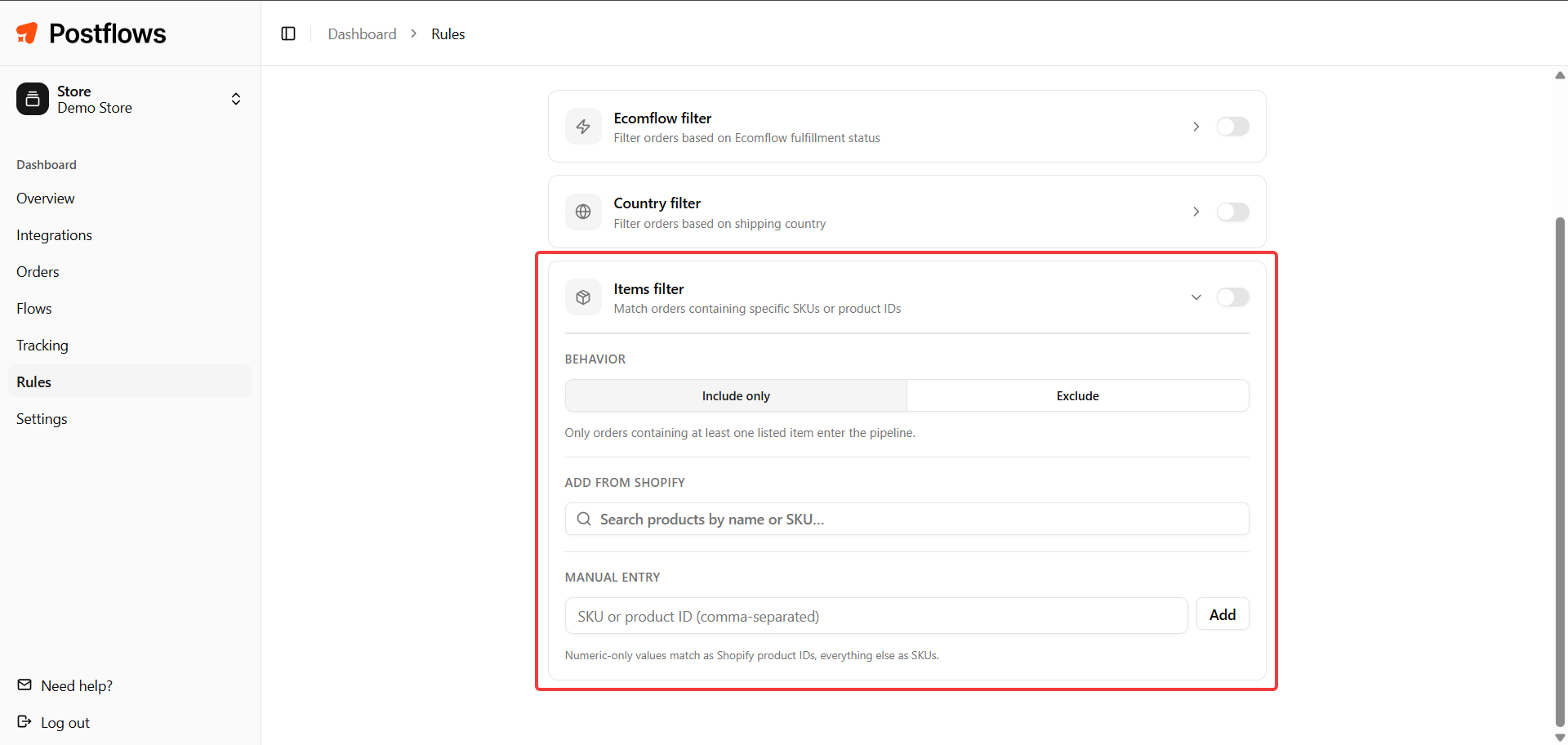
The Items filter lets you include or exclude orders based on the products they contain.
You can enter product SKUs or Shopify Product IDs. An order matches if it contains any one of the listed items.
Example uses:
Exclude orders containing internal test or sample products
Only send notifications for orders containing specific product lines
Include vs. exclude mode
Every filter rule has a mode: include or exclude.
Include mode (whitelist)
At least one include rule must match for the order to be processed
If include rules exist and none match, the order is blocked
If you have no include rules, all orders pass this check
Exclude mode (blacklist)
If any exclude rule matches, the order is blocked immediately
Exclude rules always take priority over include rules
No rules
All orders pass through
Example: Include rule
Country in [US, CA]+ exclude ruleItems contains any [TEST-SKU]:
US order, regular product: passes (matches include, doesn't match exclude)
CA order with TEST-SKU: blocked (matches exclude - exclude wins)
UK order, regular product: blocked (no include rule matches)
Editing filters
Each filter type is configured inline: toggle it on or off, adjust its settings, then click Save.
Changes take effect immediately for new events. Existing orders in progress are not re-evaluated.